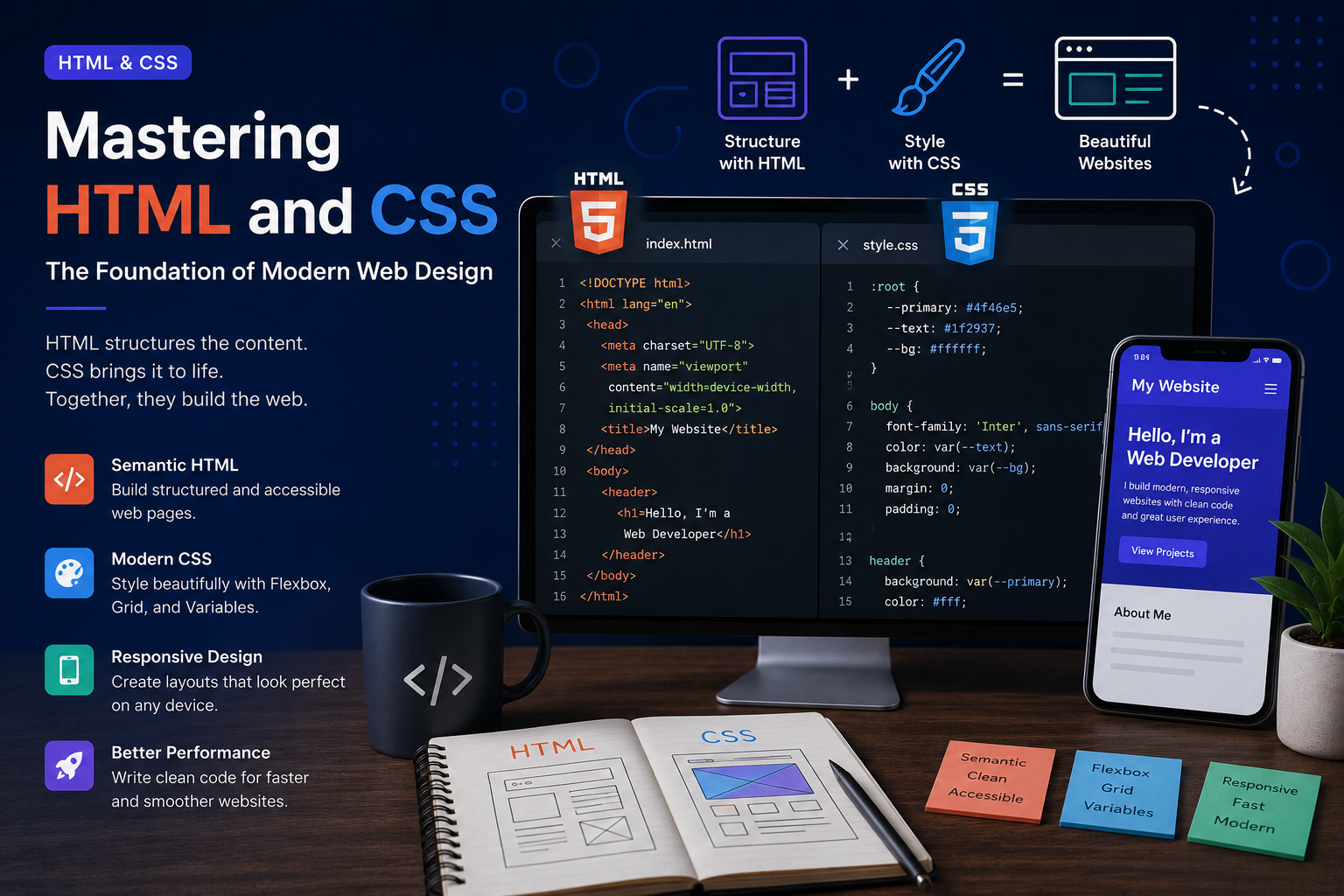
Every website you visit, from personal portfolios to large-scale applications, is built upon two fundamental technologies: HTML and CSS. While modern frameworks and libraries often grab the spotlight, understanding HTML and CSS remains essential for every web developer.
These technologies form the backbone of the web, enabling developers to structure content, create engaging layouts, and deliver exceptional user experiences across devices.
What is HTML?
HTML (HyperText Markup Language) is the standard language used to structure web pages. It defines the content and organization of a website by using elements such as headings, paragraphs, images, links, forms, and more.
Think of HTML as the skeleton of a website. It provides the structure that browsers use to display information.
Common HTML elements include:
- Headings (
h1toh6) - Paragraphs (
p) - Links (
a) - Images (
img) - Lists (
ul,ol,li) - Forms (
form,input,button) - Sections (
header,main,section,footer)
A well-structured HTML document improves accessibility, search engine optimization (SEO), and overall maintainability.
What is CSS?
CSS (Cascading Style Sheets) is responsible for the visual appearance of a website. It controls colors, typography, spacing, layouts, animations, and responsiveness.
If HTML is the skeleton, CSS is the design and personality of the website.
With CSS, developers can:
- Customize fonts and colors
- Create responsive layouts
- Add animations and transitions
- Build flexible grid systems
- Improve visual hierarchy
- Ensure consistency across pages
Modern CSS has evolved significantly and now provides powerful features that previously required JavaScript or external libraries.
Why HTML and CSS Matter
Many developers jump directly into frameworks such as React, Angular, or Vue. However, these frameworks are ultimately built on top of HTML and CSS.
A strong understanding of these fundamentals helps developers:
- Build better user interfaces
- Debug frontend issues more effectively
- Create accessible websites
- Improve website performance
- Write cleaner, maintainable code
Mastering the basics often leads to faster learning when adopting modern frontend technologies.
Modern HTML Best Practices
Use Semantic Elements
Semantic HTML makes content easier to understand for browsers, search engines, and assistive technologies.
Examples include:
<header><nav><main><section><article><footer>
Using semantic tags improves both accessibility and SEO.
Prioritize Accessibility
Accessible websites ensure everyone can use your content, including users with disabilities.
Best practices include:
- Adding descriptive alt text to images
- Using proper heading hierarchy
- Labeling form elements correctly
- Maintaining keyboard navigation support
Keep Structure Clean
Organized HTML makes projects easier to maintain and collaborate on, especially as applications grow.
Modern CSS Techniques
Flexbox
Flexbox simplifies alignment and layout creation.
Common use cases include:
- Navigation bars
- Centering content
- Responsive card layouts
- Dynamic spacing
CSS Grid
CSS Grid enables complex two-dimensional layouts with minimal code.
Grid is ideal for:
- Dashboard interfaces
- Magazine-style layouts
- Portfolio galleries
- Landing pages
Responsive Design
Users access websites from smartphones, tablets, laptops, and desktop computers.
Responsive design ensures content adapts seamlessly to different screen sizes through:
- Media queries
- Flexible layouts
- Relative units
- Responsive images
CSS Variables
CSS custom properties allow developers to define reusable values.
Examples include:
- Brand colors
- Font sizes
- Spacing systems
- Theme settings
This improves consistency and simplifies maintenance.
Building a Modern Portfolio with HTML and CSS
A professional portfolio should demonstrate both technical skills and design understanding.
Consider including:
Hero Section
A compelling introduction that highlights who you are and what you do.
About Section
A concise overview of your background, experience, and expertise.
Project Showcase
Display projects with screenshots, descriptions, technologies used, and live demos.
Skills Section
Highlight programming languages, frameworks, tools, and technologies.
Contact Section
Make it easy for visitors, recruiters, and clients to reach you.
Performance Matters
Efficient HTML and CSS contribute directly to website speed.
Tips for optimization:
- Minimize unnecessary code
- Compress images
- Use modern image formats
- Reduce unused CSS
- Load assets efficiently
Faster websites improve user experience and search rankings.
The Future of HTML and CSS
Modern web standards continue to evolve. Features such as container queries, CSS nesting, subgrid, and advanced animations are making frontend development more powerful than ever.
Despite the rise of frameworks and no-code tools, HTML and CSS remain at the heart of every website on the internet.
Developers who invest time in mastering these technologies gain a strong foundation that supports every stage of their web development journey.
Final Thoughts
HTML and CSS are more than beginner technologies—they are essential skills for building modern, accessible, and high-performing websites. Whether you're creating a personal portfolio, a business website, or a complex web application, understanding these fundamentals will help you write better code and create better user experiences.
Master the basics, embrace modern techniques, and continue building. Every great website starts with HTML and CSS.